

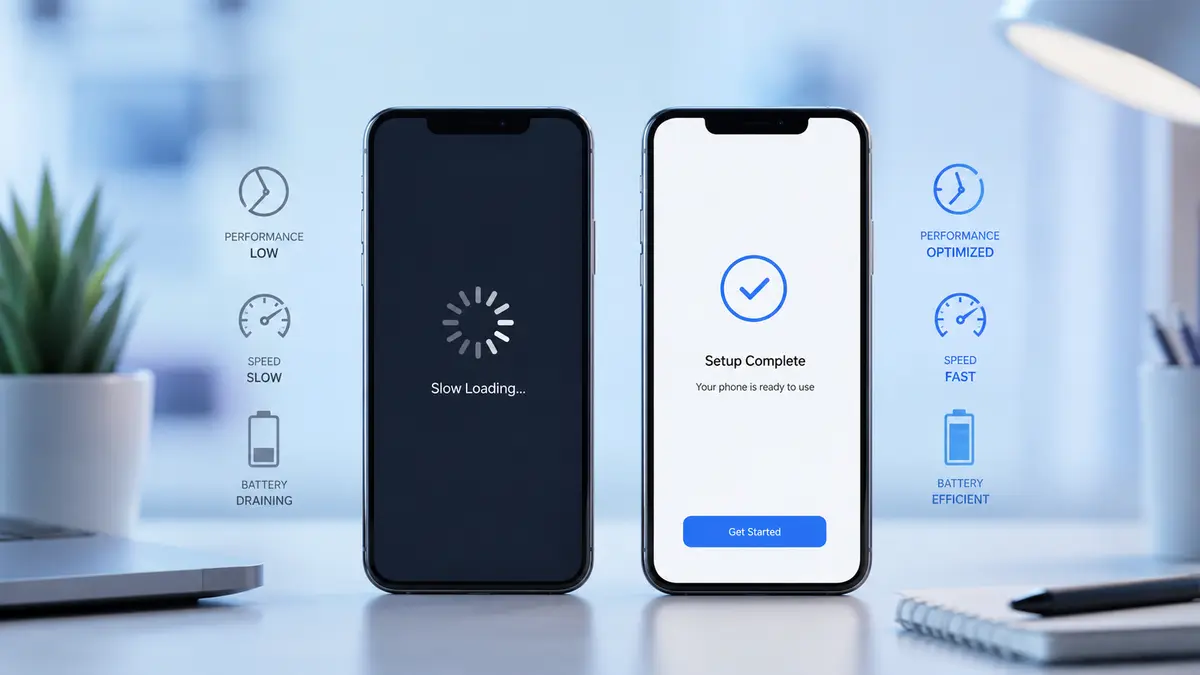
Smartphones have become essential for work, communication, entertainment, and everyday tasks. But over time, even the best devices can start showing signs of wear—not because the hardware is failing, but because the software has become cluttered or unstable.
A factory reset is often seen as a last resort, but in many cases, it can restore your phone’s performance and solve persistent software issues. The key is knowing when a factory reset is actually necessary and when a simpler fix might be enough.
In this guide, you’ll learn the most common signs your smartphone needs a factory reset, how to prepare for one safely, and what to expect afterward.
Why This Topic Matters in 2026
Modern smartphones receive frequent operating system updates, install dozens of apps, and store years of personal data. While today’s devices are more reliable than ever, software conflicts, outdated settings, corrupted files, and unused apps can gradually affect performance.
Understanding the warning signs helps you:
- Improve device performance
- Resolve recurring software problems
- Extend your phone’s lifespan
- Avoid unnecessary hardware replacements
- Keep your personal data secure
Knowing when to reset your phone can save both time and frustration.
Common Signs Your Smartphone Needs a Factory Reset
1. Your Phone Has Become Extremely Slow
A noticeable slowdown is one of the biggest warning signs.
If your phone takes several seconds to open apps, freezes regularly, or struggles with simple tasks despite having enough storage, software issues may be the cause.
Before resetting, try:
- Restarting the device
- Removing unused apps
- Clearing app cache
- Installing pending updates
If performance doesn’t improve, a factory reset may provide a fresh start.
2. Apps Keep Crashing
Occasional app crashes are normal.
However, if multiple apps crash every day—even after updating them—the operating system or system files may have become unstable.
A factory reset often removes software conflicts that regular troubleshooting cannot fix.
3. Frequent Freezing or Random Restarts
Does your smartphone freeze unexpectedly?
Does it restart on its own several times a week?
Random system crashes often point to corrupted software, especially if they continue after software updates.
When basic troubleshooting fails, resetting the phone is usually the next logical step.
4. Battery Drains Much Faster Than Before
Battery aging is normal, but sudden battery drain isn’t always caused by worn-out hardware.
Background processes, corrupted apps, or software bugs can constantly consume power.
If battery health appears normal but battery life continues to decline after updates and app cleanup, a factory reset may improve efficiency.
5. Storage Is Always Full Despite Deleting Files
Sometimes storage remains nearly full even after removing photos, videos, and apps.
Hidden temporary files, app data, or corrupted storage indexes may be responsible.
A factory reset completely rebuilds the system, often resolving unusual storage problems.
6. Your Phone Is Overheating During Normal Use
Phones naturally warm up while gaming or recording video.
However, if your device becomes hot while browsing, texting, or sitting idle, background software may be working harder than it should.
Persistent overheating combined with poor performance is another sign that a clean software installation could help.
7. You Notice Persistent Software Glitches
Examples include:
- Settings that won’t save
- Notifications arriving late
- Bluetooth disconnecting repeatedly
- Wi-Fi failing to reconnect
- Camera freezing
- Touchscreen lag
When multiple system features stop working correctly, resetting the phone can often restore normal functionality.
8. Malware or Suspicious Behavior
If your phone suddenly displays excessive pop-ups, installs unknown apps, redirects your browser, or behaves unusually, malware could be responsible.
After removing suspicious apps and running trusted security tools, a factory reset may be the safest way to eliminate deeply embedded software issues.
Always restore only trusted backups afterward.
How to Prepare Before a Factory Reset
A factory reset permanently removes personal data stored on your device.
Before resetting:
Back Up Important Files
Save:
- Photos
- Videos
- Contacts
- Documents
- Messages
- App data (where supported)
Use your phone’s built-in cloud backup service or transfer files to a computer.
Sync Your Accounts
Ensure your Google or Apple account is fully synchronized.
This makes restoring your information much easier after setup.
Remember Your Passwords
You’ll need your account credentials after the reset.
Verify that you know:
- Google account password
- Apple ID password
- Screen lock PIN or password (if required)
How to Perform a Factory Reset
Although steps vary slightly by manufacturer:
- Open Settings
- Go to System or General Management
- Select Reset
- Choose Factory Data Reset
- Review the information
- Confirm the reset
The process usually takes several minutes.
Afterward, your phone starts as if it were brand new.
Common Mistakes to Avoid
Avoid these common errors before resetting your smartphone.
Skipping the Backup
Many users lose valuable photos, contacts, and files because they forget to create a backup first.
Resetting Without Trying Simpler Fixes
Sometimes the problem is caused by:
- One faulty app
- Low storage
- An outdated operating system
Try these solutions before performing a factory reset.
Restoring Everything Immediately
If a recently installed app caused the problem, restoring every app at once may bring the issue back.
Instead, reinstall apps gradually and monitor performance.
Ignoring Available Software Updates
Manufacturers often release updates that fix bugs and improve stability.
Installing updates may solve the issue without requiring a full reset.
Expert Recommendations
A factory reset should be viewed as a powerful troubleshooting tool—not routine maintenance.
For the best long-term performance:
- Restart your phone regularly.
- Keep the operating system updated.
- Remove apps you no longer use.
- Avoid installing apps from unknown sources.
- Leave some free storage available for smooth operation.
- Back up your data regularly.
If problems continue even after a factory reset, the issue may be related to hardware rather than software. In that case, contacting the device manufacturer or an authorized repair center is the best next step.
Frequently Asked Questions
Does a factory reset make a phone faster?
Yes, if slow performance is caused by software issues, corrupted files, or accumulated system clutter. It will not improve performance if the hardware itself is failing.
Will I lose everything after a factory reset?
A factory reset removes personal data stored on the device. Back up important files beforehand so you can restore them later.
How often should I factory reset my smartphone?
Most users do not need to factory reset their phone regularly. Only consider it when persistent software issues remain after trying other troubleshooting methods.
Can a factory reset remove malware?
In many cases, yes. A factory reset removes most malicious software, especially when followed by restoring only trusted apps and files.
Is a factory reset safe?
Yes, when performed correctly. Always back up your data and ensure you know your account credentials before beginning.
Conclusion
Recognizing the signs your smartphone needs a factory reset can help you solve frustrating software problems without immediately replacing your device. Persistent slowdowns, repeated crashes, overheating, storage issues, and ongoing glitches often indicate that a fresh start may be beneficial.
Before resetting, always back up your important data and try simpler troubleshooting steps first. When performed carefully, a factory reset can restore stability, improve performance, and give your smartphone a cleaner, more reliable experience.
For more practical tech tips and easy-to-follow smartphone guides, explore more articles on Smartips.blog.