

Digital devices are part of daily life. Phones, laptops, and tablets help us work, learn, and stay connected. But they also come with a hidden downside: blue light exposure, especially at night.
If you’ve ever struggled to fall asleep after scrolling on your phone, you’re not alone. Understanding how blue light affects sleep is an important step toward better digital wellness.
This article explains the problem in simple terms and offers practical ways to improve your sleep without giving up technology completely.
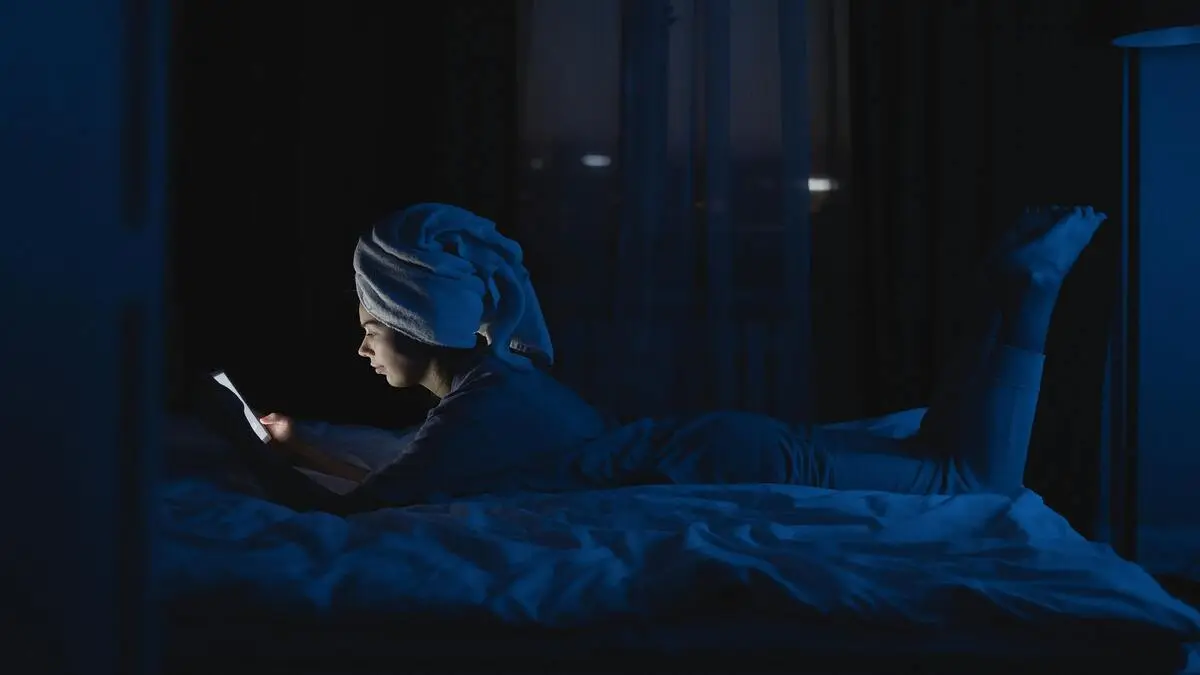
Table of Contents
Key Problems: Why Blue Light Disrupts Sleep
1. What Is Blue Light?
Blue light is a type of visible light emitted by:
- Smartphones
- Computer screens
- LED lighting
- TVs
It’s also naturally present in sunlight, where it helps regulate your internal clock.
2. The Sleep Disruption Effect
At night, blue light can interfere with your body’s natural sleep rhythm. It may:
- Make you feel more alert
- Delay your ability to fall asleep
- Reduce overall sleep quality
This happens because blue light can influence the production of melatonin, a hormone linked to sleep timing.
3. Increased Screen Time Before Bed
Common habits that worsen the issue:
- Scrolling social media late at night
- Watching videos in bed
- Checking emails before sleeping
These behaviors combine mental stimulation + light exposure, making it harder to unwind.
4. Digital Fatigue
Spending long hours on screens can also lead to:
- Eye strain
- Headaches
- Difficulty relaxing
While not all effects are directly related to sleep, they contribute to overall discomfort and restlessness.
Practical Solutions and Tips
You don’t need to stop using technology. Small, consistent changes can make a real difference.
1. Reduce Screen Time Before Bed
Try to avoid screens 30–60 minutes before sleep.
Simple alternatives:
- Read a physical book
- Listen to calm music or podcasts
- Prepare for the next day
If stopping completely feels hard, start with just 15 minutes less each night.
2. Use Night Mode or Blue Light Filters
Most devices now include built-in features like:
- Night Shift (iPhone)
- Night Light (Windows/Android)
These reduce blue light by warming the screen color.
Tip: Set it to turn on automatically in the evening.
3. Adjust Your Environment
Small changes in your room can help:
- Use warm, dim lighting at night
- Avoid bright overhead lights before bed
- Keep your bedroom calm and low-stimulation
4. Keep Devices Out of Reach
If possible:
- Charge your phone away from your bed
- Avoid using devices as an alarm clock
This reduces the temptation to check your phone late at night.
5. Follow a Consistent Sleep Routine
Your body benefits from routine. Try to:
- Go to bed at the same time each night
- Wake up at a consistent hour
- Create a wind-down habit (reading, stretching, quiet time)
6. Use Digital Wellness Tools
Helpful apps and features include:
- Screen time trackers
- Focus modes or “Do Not Disturb”
- App timers to limit usage
These tools help you stay aware of your habits.
7. Consider Blue Light Glasses
Some people use glasses designed to filter blue light. While results vary, they may help reduce exposure during evening screen use.
Benefits of Improving Digital Wellness
Making small changes can lead to noticeable improvements:
- Easier time falling asleep
- More consistent sleep schedule
- Reduced late-night distractions
- Better focus during the day
- Less eye strain
Over time, these habits can support a more balanced relationship with technology.
Common Mistakes to Avoid
1. Using Screens Until the Last Minute
Even short exposure right before sleep can make it harder to relax.
2. Ignoring Device Settings
Many people don’t activate built-in night modes that can help reduce blue light.
3. Replacing One Screen with Another
Switching from phone to TV doesn’t solve the problem if exposure continues.
4. Expecting Instant Results
Improving sleep habits takes time. Consistency matters more than perfection.
5. Overcorrecting Too Quickly
Cutting all screen time at once can be difficult. Gradual changes are more sustainable.
Conclusion
Blue light is a normal part of modern life, but too much exposure at night can make it harder to sleep well. The goal isn’t to avoid technology completely. It’s to use it more intentionally.
By reducing screen time before bed, adjusting device settings, and building simple habits, you can improve your sleep and overall digital wellness.
Start small. Even one or two changes can make a difference over time.
FAQs
1. Is blue light the only reason for poor sleep?
No. Sleep quality depends on many factors, such as stress, routine, and environment. Blue light is just one piece of the puzzle.
2. Are night mode settings enough?
They help, but combining them with reduced screen time is more effective.
3. Can I still use my phone at night?
Yes, but try to limit usage and avoid stimulating content before bed.
4. Do blue light glasses really work?
They may reduce exposure, but results vary. They work best alongside other habits.
5. How long before bed should I avoid screens?
A common guideline is 30–60 minutes, but even small reductions can help.
Suggested Digital Wellness Tools
- Built-in screen time trackers (iOS/Android)
- Focus mode or bedtime mode
- Apps that limit social media usage